On this page
Quick answer
Another program is already using that port, usually an old copy of your own server. On Windows, run netstat -ano | findstr :3000, then taskkill /PID <pid> /F. Or start your app on another port with the PORT variable.
Error: listen EADDRINUSE: address already in use means your Node.js server tried to open a port that another program is already using. Most of the time that "other program" is an old copy of your own server that never stopped. This guide shows how to find it on Windows, stop it safely, and make your app handle a busy port on its own. Every command below was run on Windows 11 with Node.js 26.
What does EADDRINUSE address already in use mean?
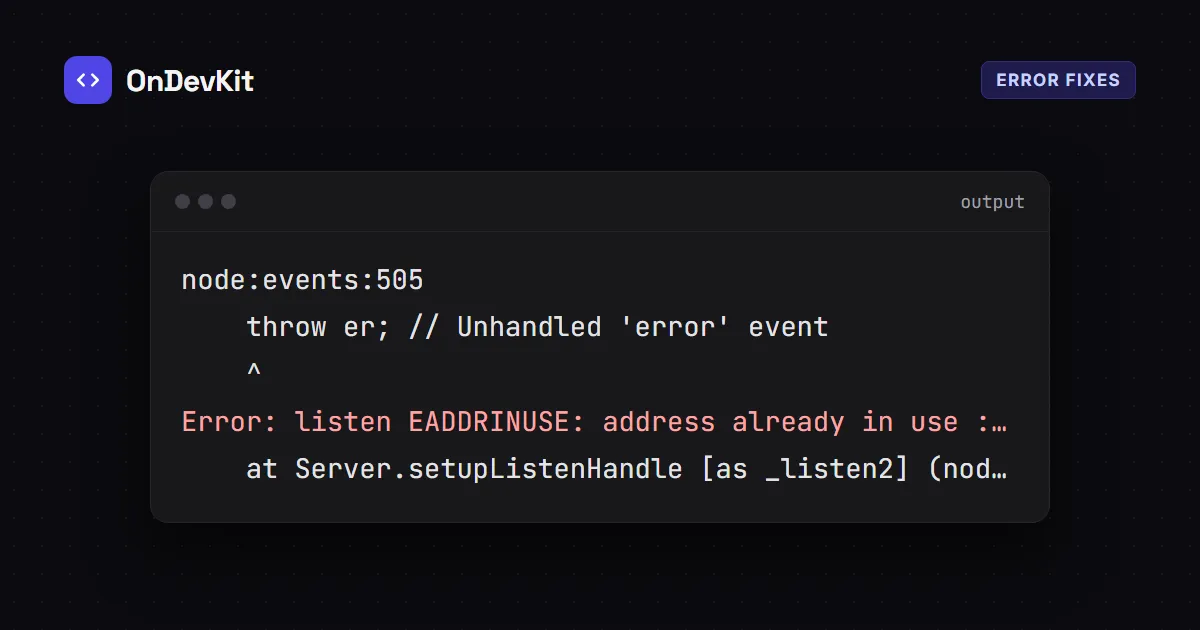
A port is a numbered door on your computer, like 3000. Only one program can listen on a port at a time. When your server calls listen(3000) and something already owns port 3000, Node.js throws this error and your app stops:
node:events:505
    throw er; // Unhandled 'error' event
    ^

Error: listen EADDRINUSE: address already in use :::3000
    at Server.setupListenHandle [as _listen2] (node:net:2390:16)
    ...
  code: 'EADDRINUSE',
  errno: -4091,
:::3000 is the IPv6 way of writing "every address, port 3000". The Node.js docs call EADDRINUSE "one of the most common errors raised when listening" (Node.js net docs).

Why does it happen?
The usual causes, from most to least common:
- An old server is still running. You closed the editor or the terminal tab, but the Node process kept going in the background.
- You started the app twice. For example,
npm run devin two terminals. - Another app uses the same port. Many tools default to
3000,5173,8080or5000. - A crashed watcher left a process behind. Tools that restart your server on save can occasionally leave an old copy running.
Fix 1: Find and stop the process on Windows
First find which process owns the port. In Command Prompt or PowerShell:
netstat -ano | findstr :3000The last column is the process ID (PID):
  TCP    0.0.0.0:3000      0.0.0.0:0      LISTENING       17596
  TCP    [::]:3000         [::]:0         LISTENING       17596
Check what that PID is before you stop it, so you don't close something important:
Get-Process -Id 17596If it's node, stop it:
taskkill /PID 17596 /FWindows replies SUCCESS: The process with PID 17596 has been terminated. Now start your server again.

The PowerShell one-liner
PowerShell can find and stop it in one go. This only targets the process listening on that port:
Stop-Process -Id (Get-NetTCPConnection -LocalPort 3000 -State Listen).OwningProcess -ForceOn macOS or Linux
Use lsof to list the process on the port, then stop it by PID (lsof manual):
lsof -i :3000
kill <PID>
Fix 2: Use a different port
If you need both programs running, give your app another port. Read it from the PORT environment variable so you can change it without editing code:
const PORT = Number(process.env.PORT) || 3000;
server.listen(PORT, () => console.log(`Listening on http://localhost:${PORT}`));
Then start it on a free port. In PowerShell:
$env:PORT = 3001; node server.jsIn bash (macOS, Linux, Git Bash):
PORT=3001 node server.jsFix 3: Handle EADDRINUSE in your code
By default the error crashes your app with an "Unhandled 'error' event". Listen for the server's error event instead, and try the next port. This is a tested version of the approach in the Node.js docs:
const http = require('node:http');

const server = http.createServer((req, res) => res.end('ok'));
let port = Number(process.env.PORT) || 3000;

server.on('error', (err) => {
  if (err.code === 'EADDRINUSE') {
    console.error(`Port ${port} is busy, trying ${port + 1}...`);
    port += 1;
    server.listen(port);
  } else {
    throw err;
  }
});

server.on('listening', () => console.log(`Listening on http://localhost:${port}`));
server.listen(port);
With port 3000 busy, it prints:
Port 3000 is busy, trying 3001...
Listening on http://localhost:3001
Use this for local development. In production, a fixed port is usually better, so a busy port should stop the app and show up in your logs.
Fix 4: Stop it from coming back
- Stop servers with
Ctrl+Cin the terminal before you close it. - Run your dev server in one terminal only. If your editor has a "Run" button, don't also start it by hand.
- If a file watcher keeps leaving copies behind, update it, or stop it with
Ctrl+Cbefore you close the window.
Still seeing EADDRINUSE address already in use?
- netstat shows nothing, but the error continues: your app may be calling
listen()twice, for example once inapp.jsand again in a test file. Search your code for.listen(. - The PID belongs to
Systemor a service: a Windows service owns that port. Pick another port (Fix 2) instead of stopping it. - Different error,
EACCES: that's a permissions problem, not a busy port. Ports below 1024 often need admin rights; use a higher port.
Setting up a Windows dev machine? See how to set up a GitHub SSH key on Windows. To understand when listen() callbacks run, try these Node.js event loop interview questions.